Real Time Alerts
Section Menu
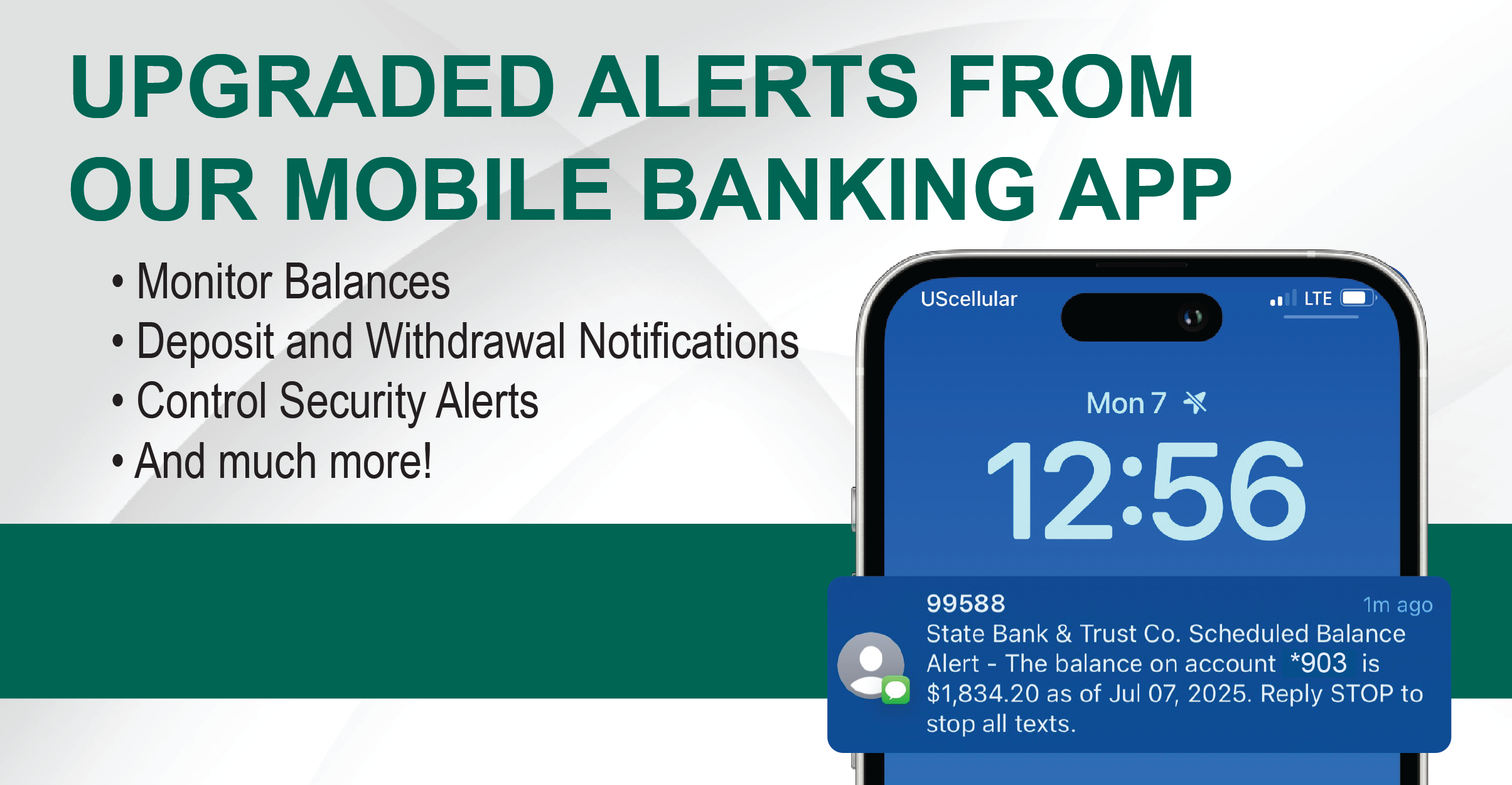
Receive real-time alerts about your State Bank & Trust Co. accounts via email or SMS text message or both. Get alerts about your account balance, deposits, checks, withdrawals, transfers, loan activity, and certificates of deposit.
- Over 30 alerts to choose from (depending on what bank services you use).
- Receive notifications as soon as activity occurs.
- Choose SMS text alerts, email alerts, or both.
- View your alert history.
- Be notified of specific transactions.
- Monitor your balance to avoid overdrafts.
- Stay updated with due dates for loans.
Getting Started
- Online Banking Users: Log into Online banking and click on "Account Management" from the menu. Then select "Alerts & Notification."
- Mobile Banking Users: Log into the SBT Mobile App and click on "Manage." Then select "Alerts & Notifications."
For more information about setting up Alerts & Notifications, contact us at (515) 382-2191 during business hours.